The Video Generator, Control by Control, and Which Settings Cost You Money
A walk through Gendia's video generator: model, duration, resolution, aspect ratio, the audio toggle and reference inputs, and which of them actually drive the price.
Video is where credits actually disappear on Gendia, and almost all of the waste comes from two settings that look innocuous.
Here's every control, and which ones will empty your balance if you're careless.

The two controls that set your bill
Before anything else, because this is the part that costs real money.
Duration
The single biggest multiplier. Credits are charged per second of output, so a 30-second clip is not "somewhat more" than a 5-second one: it is six times the price, exactly. On Seedance 2.5 that is the difference between 236 credits and several thousand.
While you're testing an idea, whether the motion works, whether the camera move reads, whether the subject holds together, 4 to 5 seconds tells you nearly everything. Prove it short, then go long once.
Resolution
480p, 720p or 1080p, depending on the model, and each tier is priced separately, sometimes non-linearly. Seedance 2.5 runs 59 credits per output second at 480p, 132 at 720p and 330 at 1080p. That is not a gentle curve: the same 30-second clip is 1,770 credits at 480p and 9,900 at 1080p.
Draft at 480p. Nobody ever learned that a shot was badly composed by watching it at higher resolution.
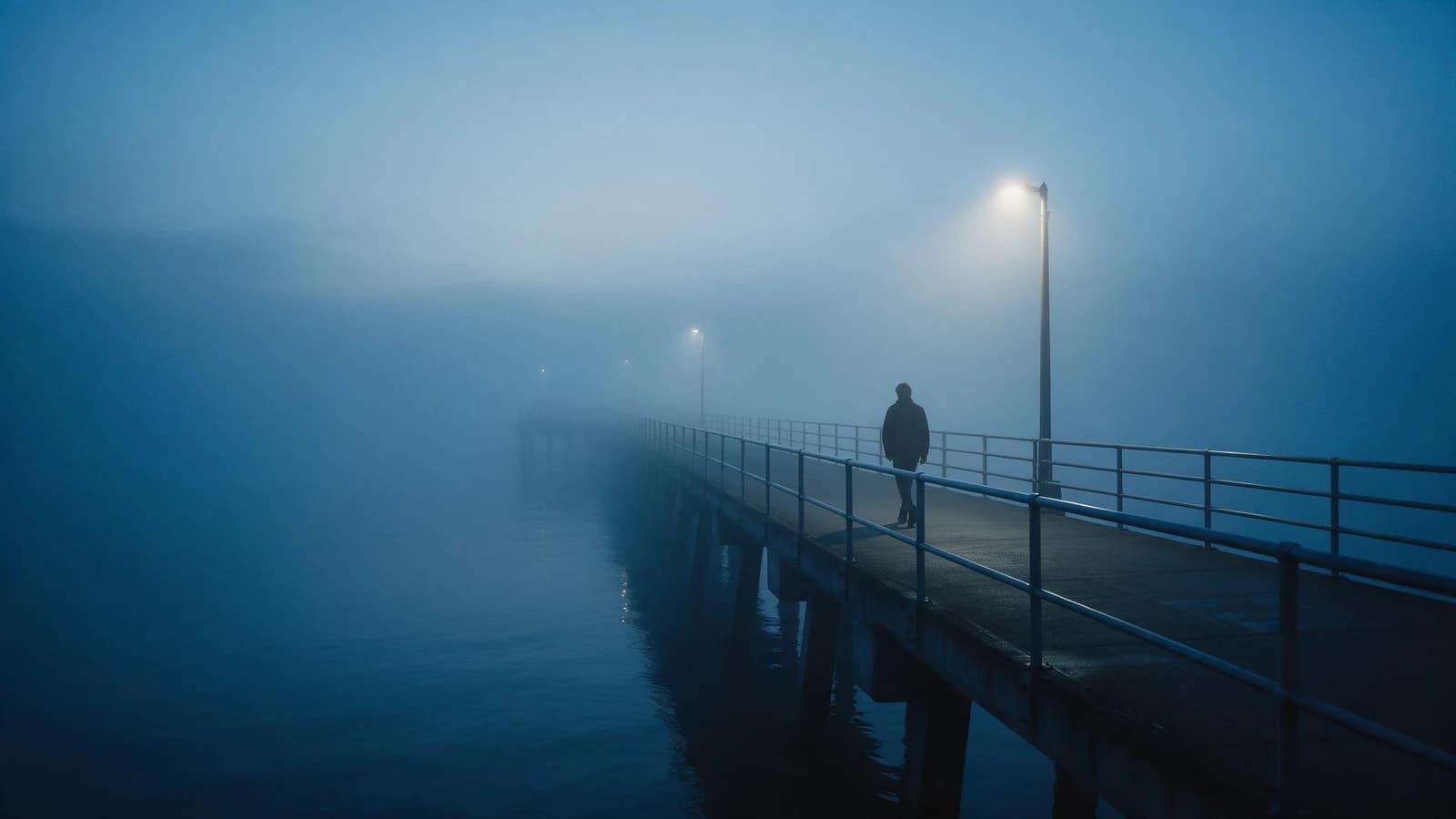
Here is what that actually costs you. The same prompt run twice on the same model for the same five seconds, once at each resolution, two separate generations, so the framing differs, which is exactly what re-rolling gets you:
The 720p one is sharper, and you can see it. But look at what you are checking while you draft: does the steam read, does the push-in feel right, does the light land where you wanted. Every one of those questions is answered by the first clip. Resolution is the last decision, not the first.
The rest of the panel
The model picker
Sets the price band and the capabilities. It runs from LTX Video at 20–60 credits to Seedance 2.5 at up to 9,900, and they are genuinely for different jobs, not just different quality tiers.
There's a full guide to choosing, but the useful instinct is: LTX to test, Seedance for a finished ad, Kling for controlled camera work, Veo for one beautiful shot.
The prompt
Describe what happens, not just what's in frame. A still-image prompt describes a moment; a video prompt describes a change.
Say what moves, how the camera behaves, and how fast. "Slow push in on the bottle as light sweeps across the label" gives the model something to do. "A bottle on a table" gives it a photograph and hopes.
The image slot: first and last frame
Attach a still and the model animates it. Some models take both a first and a last frame, and then generate the motion between them, which is the most controllable way to work: you decide where it starts and ends and let the model handle the middle.
This is also the cheapest route to good video, generate a still you like for 20 credits, then animate it, rather than asking a video model to invent the composition too.
Audio
On models that support it, sound is generated with the picture rather than added later, so ambience and music match the action. On Seedance 2.5 it's on by default.
If you want particular sound, say so in the prompt, describe what you want to hear alongside what you want to see.
Reference inputs
On models that accept them, references hold a face, a product or a style steady across the whole clip. Seedance 2.5 takes up to 30 images, 10 videos and 10 audio clips in one generation.
This is the difference between a character who stays the same person across six shots and one who subtly changes every cut.
Aspect ratio
9:16 for social, 16:9 for YouTube. Choose before generating: a video can't be reframed as easily as a still.
The order that avoids expensive mistakes
- Pick a cheap model, LTX, or a short Seedance 2.0 Fast run.
- Set 4–5 seconds at 480p.
- Iterate on the prompt until the motion idea works. This is where the thinking happens, and here it costs 20–60 credits a go.
- Then switch to the real model, the real duration and the real resolution, and run it once.
Five cheap drafts plus one proper render costs a fraction of six proper renders, and you arrive at the expensive one knowing exactly what you're asking for.
The mistake almost everyone makes first
Picking the most impressive model, setting it to maximum duration and resolution, and writing a prompt you haven't tested.
It costs roughly what a hundred images would, and when it doesn't work you've learned one thing for a very high price. I did exactly this, which is why the drafting order above exists.
Try it
Open the video generator, choose LTX Video, set 5 seconds at 480p, and animate a still you already have. Forty credits to find out whether your idea moves.
Then: choosing a video model, and Seedance 2.5 when you want 30 seconds in one pass.
- #AIVideoGeneratorTutorial
- #HowToMakeAIVideo
- #TextToVideoGuide
- #ImageToVideo
- #AIVideoSettings
- #AIVideoDuration
- #AIVideoCost
- #VideoGenerationForBeginners
- #GendiaTutorial
- #Gendia