Gendia Now Has Seedance 2.5: The Video Model That Makes 30-Second Ads in One Take
Seedance 2.5 is now on Gendia, generate a full 30-second AI video ad in a single pass, with up to 50 reference inputs, native audio and multi-shot continuity. Here's how it works and how it compares.
Big news if you make video: Seedance 2.5 is now on Gendia.
If you've used AI video tools, you know the usual pain: you get a nice 5-to-10-second clip, then spend the next hour stitching clips together, fixing the audio, and hoping the character's face stays the same between cuts. Seedance 2.5 is ByteDance's newest video model, and it was built to kill that workflow. It generates a full 30 seconds in a single pass, with sound, and it's now running inside Gendia.
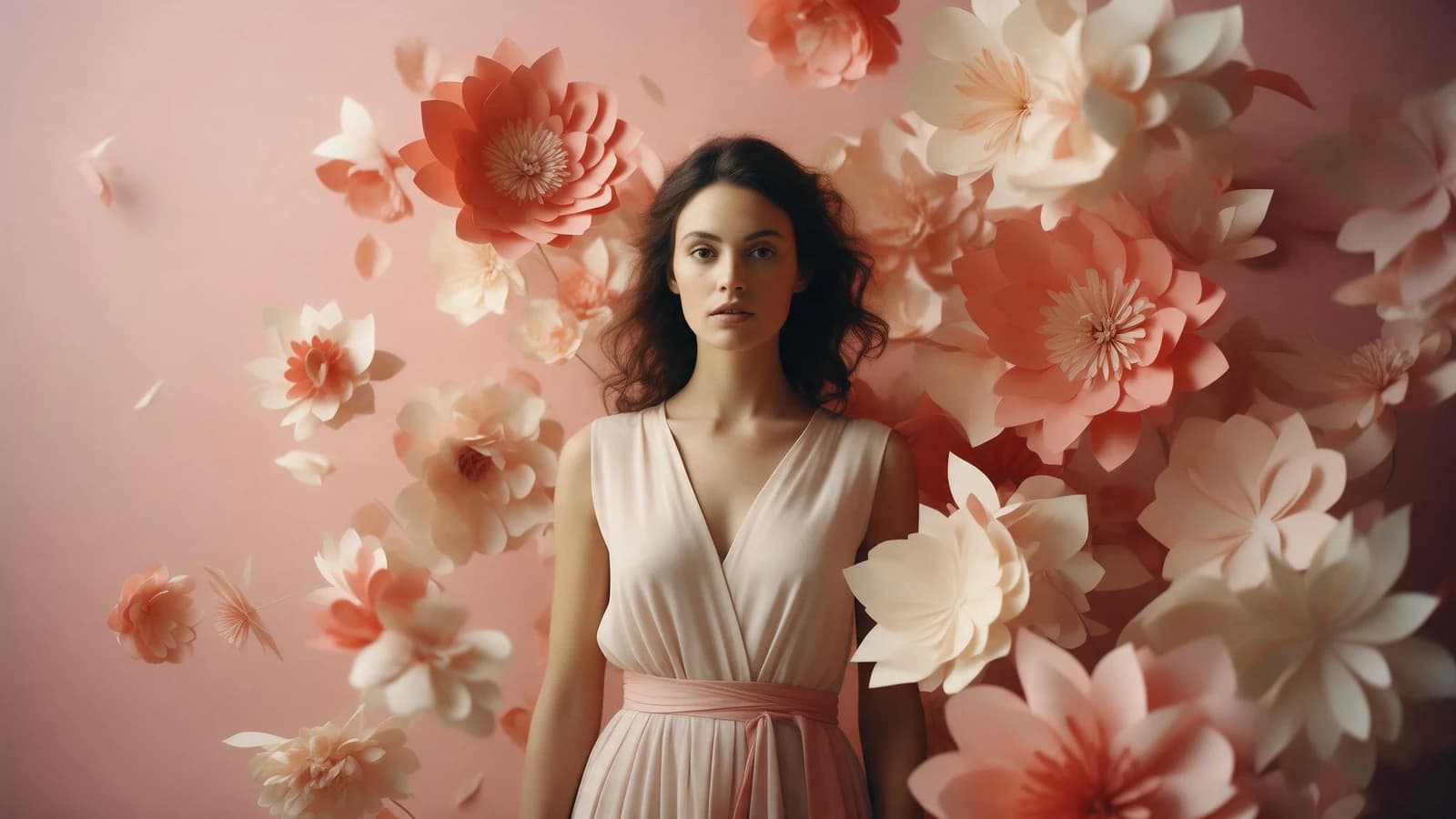
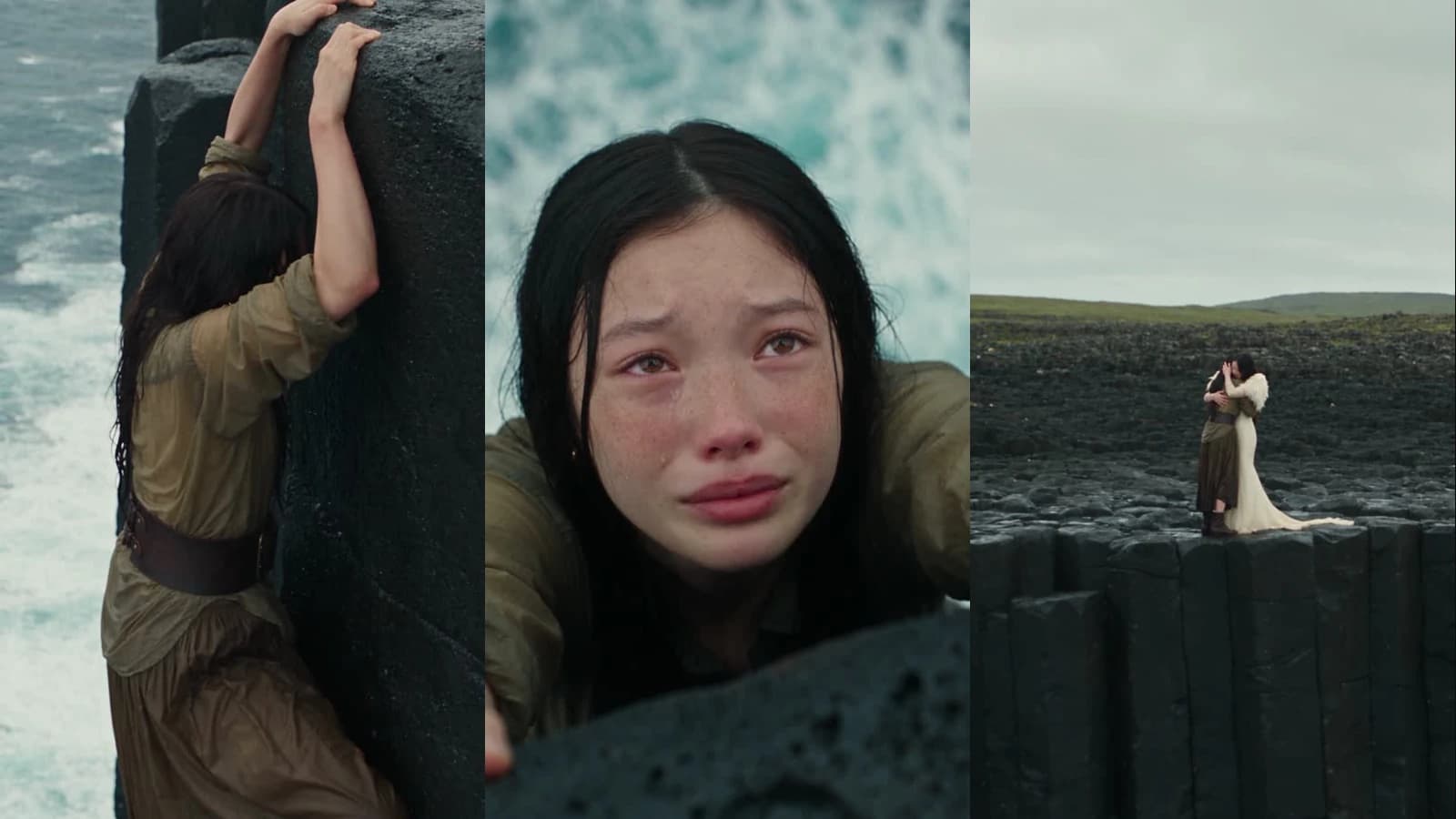
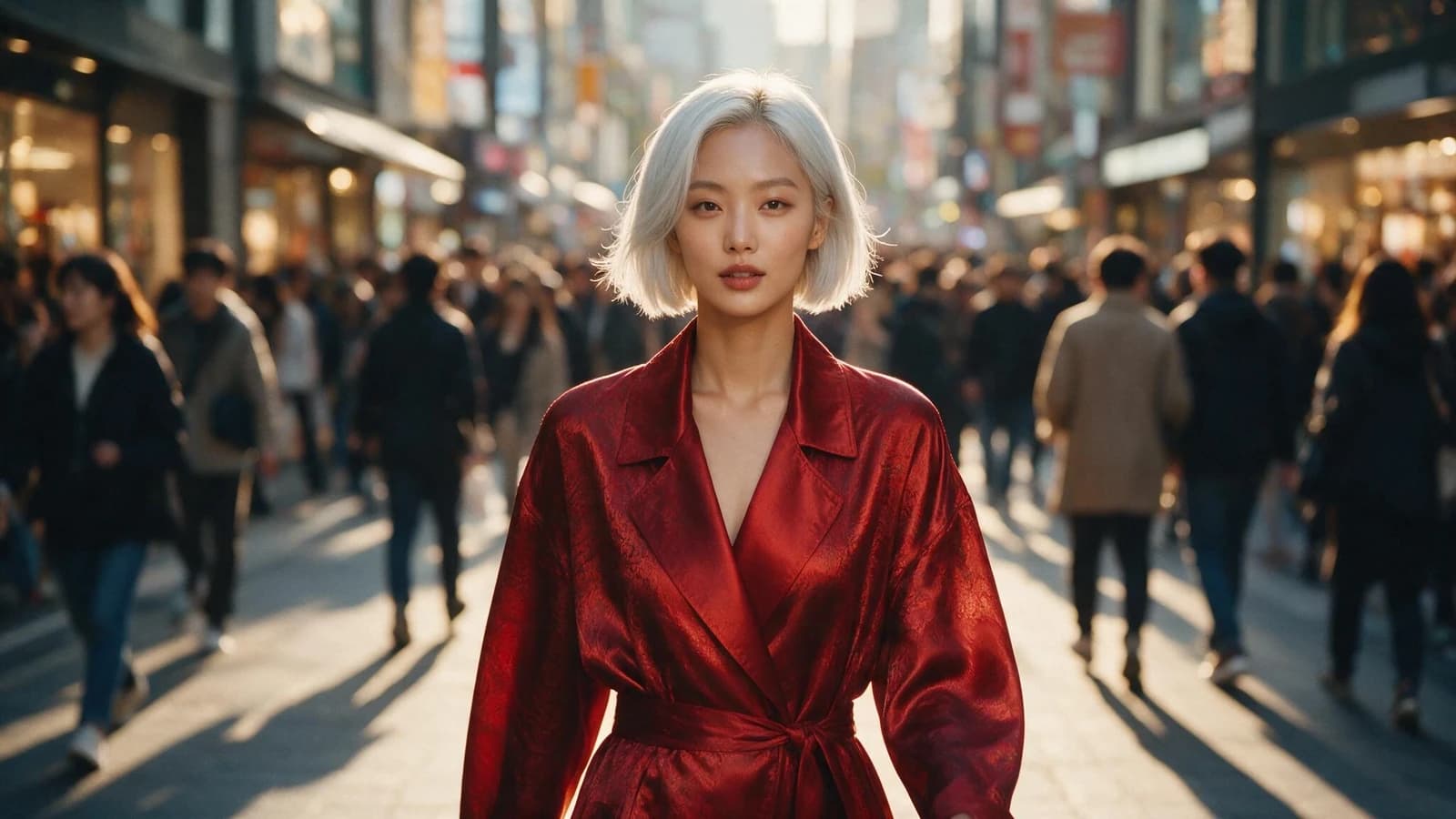
Every clip on this page was generated on Gendia with Seedance 2.5. Nothing here is a mock-up.
What is Seedance 2.5?
Seedance 2.5 is the newest generation of ByteDance's video model. The idea behind it is less "AI clip generator" and more "AI production tool", instead of a snippet you have to assemble into something usable, it aims to hand you a finished piece.
On Gendia it sits alongside the other video models, the image models, music and the Canvas workspace, under one login and one credit balance. If you're weighing it against the alternatives, our best AI video generators of 2026 roundup covers the wider field, and the Seedance 2 guide still applies to the 2.0 model.
What makes Seedance 2.5 different
1. A full 30 seconds in one generation
Most AI video models top out around 8–15 seconds and leave you stitching. Seedance 2.5 runs to 30 seconds in a single generation, with scene changes and tempo shifts built into that one pass.
The clip below is a 30-second short film told in six consecutive shots with hard cuts: one generation, no editing afterwards.
2. Up to 50 reference inputs: this is why it stays on-brand
Seedance 2.5 accepts up to 50 reference materials in one generation: 30 images, 10 video clips and 10 audio clips. That's a jump from 2.0, which allowed 9 images, 3 videos and 3 audio clips.
You can point it at a specific face, a product, a camera move, a style or a sound, and have it hold them steady across the whole video. For brand work, same model, same product, same look in every shot: this is the feature that matters most.
The clip below was generated from reference images that defined the woman's face and identity, with everything else described in the prompt.
You don't always need references to get consistency, either. The clip below was generated from the prompt alone, with no reference images at all. The woman's outfit changes on every step, from a trench coat to a leather jacket to a summer dress to a red coat, while her face, hair, proportions and walking rhythm stay identical through the whole take.
3. Native audio, generated with the video
The audio isn't bolted on afterwards. Sound is generated together with the picture, so ambience, effects and music match what's happening on screen. Audio is on by default on Gendia.
This one is a beat-synced routine: the cuts land on the music because both came out of the same generation.
4. Multi-shot continuity
It holds characters and style across cuts, so a multi-shot sequence reads as one coherent piece rather than a slideshow of slightly different worlds.
5. Vertical works as well as landscape
9:16 is a first-class option, not a crop. Pick it up front and the whole composition is built for a phone.
How Seedance 2.5 compares
Every model has a lane. Here's where Seedance 2.5 pulls ahead and where the others still win:
| Seedance 2.5 | Kling 3.0 | Veo 3.1 | |
|---|---|---|---|
| Single-take clip | ~30s | up to 15s | up to 8s |
| Max resolution | up to 1080p | native 4K | 1080p (4K in preview) |
| Reference inputs | up to 50 | "Elements" | up to 4 images |
| Native audio + lip-sync | Yes | Yes | Yes |
| Multi-shot in one generation | Yes | Yes (AI Director, up to 6 shots) | via extend |
The short version: Seedance 2.5 wins on duration and on references. Thirty seconds in one pass is roughly double the next-longest, and fifty reference inputs is in a different category from four. If you need raw resolution, Kling 3.0's native 4K still leads. For making a complete, on-brand ad in a single pass with sound, Seedance 2.5 is the strongest all-rounder right now.
How to use Seedance 2.5 on Gendia
- Go to Gendia and open the video generator.
- Pick Seedance 2.5 from the model list: it's the default video model.
- Describe your video, or upload references: a product photo, a character, a style clip, even an audio track. Load as many as you need, up to 30 images, 10 videos and 10 audio clips.
- Set length, resolution and aspect ratio, 4 to 30 seconds, 480p/720p/1080p, and 9:16 for social or 16:9 for YouTube.
- Generate. Sound comes with it.
- Download and post.
Tips for better results
- Feed it references. Consistency is the model's superpower, give it your product, model and style images and the output stays on-brand.
- Use the full 30 seconds. Plan a small story (hook → product → payoff) rather than one static shot. The six-shot example above is one generation.
- Describe the sound in the prompt. Audio is generated with the picture, so say what you want to hear.
- Match the aspect ratio to the platform, 9:16 for Reels, Shorts and TikTok; 16:9 for YouTube.
- Note the 1080p premium. 1080p is priced slightly above 480p and 720p rather than at the flat rate, so draft at 720p and finish at 1080p.
- Longer costs more. Credits scale with duration and resolution, check the cost shown before you generate.
Try Seedance 2.5
It's live now on Gendia, and new accounts start with free credits: no credit card needed. Pick Seedance 2.5, drop in your references, and make a full 30-second ad in a single pass.
If you're new to AI video, start with getting started with AI video. If you want to see where all this came from, the evolution of AI video traces the models that got us here.
- #Seedance2.5
- #AIVideoGenerator
- #TextToVideo
- #ImageToVideo
- #AIAdVideo
- #30SecondAIVideo
- #Seedance2.5VsKlingVsVeo
- #BestAIVideoGenerator2026
- #ByteDanceSeedance
- #Gendia