Getting Readable Text Into an AI Image (and Why Most Models Can't)
Why AI image models garble words, which ones on Gendia actually render text, and the three approaches to a poster or ad that needs legible copy.
You ask for a poster reading "SUMMER SALE" and get back something that says "SUNMER SAEL" in a font that doesn't exist.
This is the most reliably annoying failure in AI image generation, and it has a real fix, but the fix starts with understanding that it isn't one problem, it's a model choice.
Why it happens
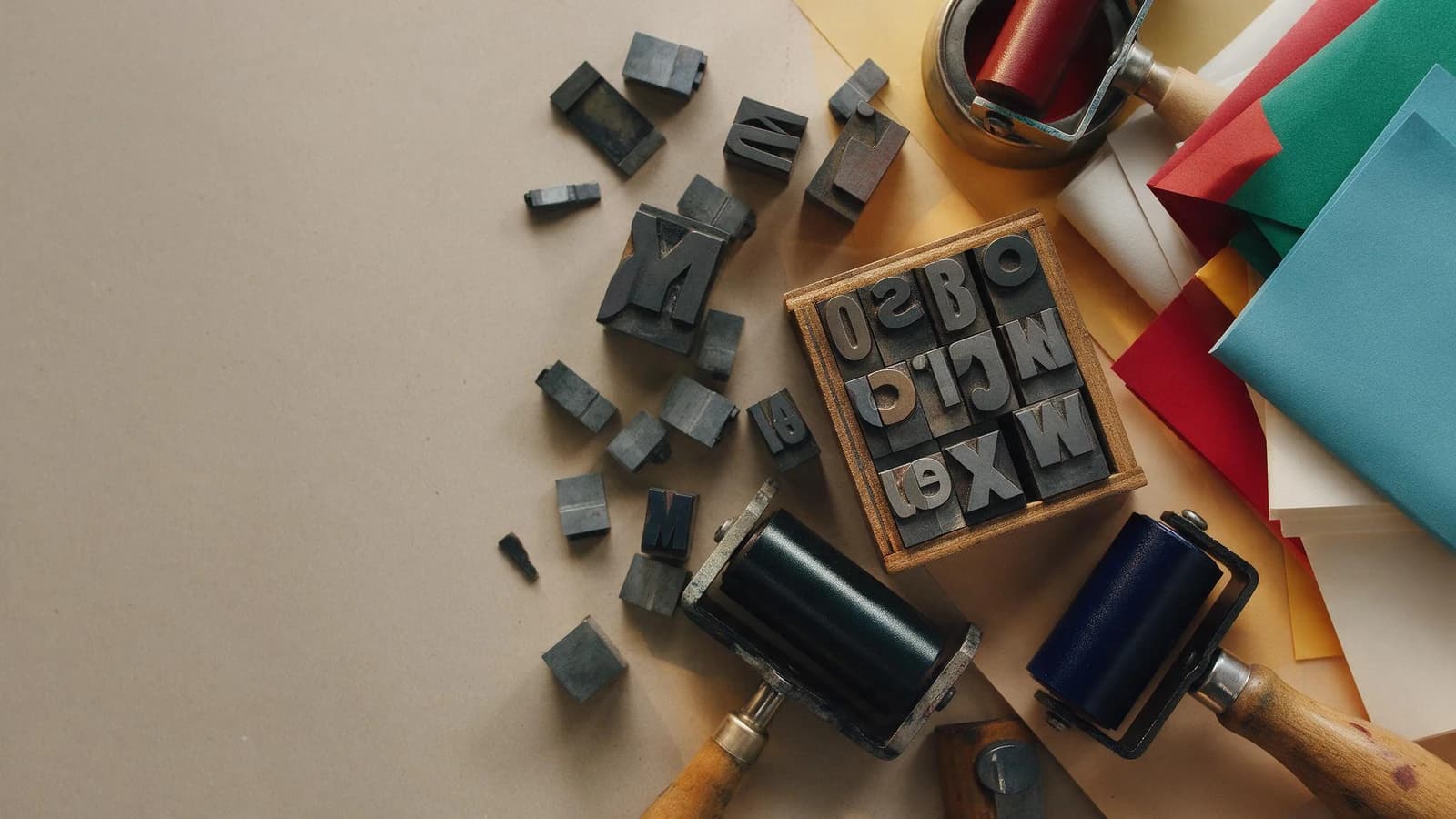
Most image models don't know what letters are. They learned that certain shapes tend to appear in certain places in pictures, so they produce text-shaped marks: the visual texture of writing without the spelling.
Newer models were trained specifically to render characters, and they're dramatically better. It isn't a matter of prompting harder on a model that can't do it.
The models that can
Ideogram V3, 20–50 credits. Built for this. Text rendering is its whole reason to exist, and for posters, logos, signage and packaging it's the first thing to try.
GPT Image 2, 10–200 credits. Excellent with text, and the best of the group at longer phrases and at understanding why the text is there: it lays out a poster like something designed rather than something decorated.
Nano Banana Pro, 75–125 credits. Reliable with short text, and strong when the text needs to sit in a photographic scene.
Everything else, Flux, Seedream, Qwen, Grok, Z Image, will attempt text and will usually mangle anything past a word or two. Not a criticism; they're for pictures.
Prompting for text
Quote it exactly.
The quotation marks matter. They tell the model which part is literal rather than descriptive.
Keep it short. Three to five words render well. A sentence is a gamble. A paragraph will not work on any model here.
Say where and how. "Across the top", "centred", "small in the lower right." Then the treatment: bold, condensed, serif, hand-lettered.
One block of text. A poster with a headline, a subhead, three bullets and a footer is asking for four separate failures. Generate the headline; add the rest properly.
The three approaches, honestly compared
1 · Generate the text directly. Fast, one step. Best for short punchy words where a slightly imperfect letterform is fine, or even desirable, as with hand-lettered styles. Use Ideogram or GPT Image 2.
2 · Generate the picture, add the type in Canvas. The picture has no text in it at all; you place real type over it. This is the right answer for anything commercial. Your copy is exactly your copy, in your font, and you can change it without regenerating anything. Legal text, prices, URLs and brand names should always be done this way.
3 · Use a Canvas template. The layout, type hierarchy and text fields already exist; you supply the words and the product. For product pages and ads this skips the problem entirely.
I use approach 1 for a single word in a graphic style, and approach 2 or 3 for anything a customer will read.
Never generate these
- Prices. A garbled price is a legal problem, not a typo.
- URLs and phone numbers. One wrong character makes them useless.
- Brand names other than as a rendered logo you supply.
- Legal or claim text.
Anything where being nearly right is worse than not being there.
Try it
Open the image generator, pick Ideogram V3, and ask for a poster with three words in quotes. Then generate the same scene without text on any model and put your own type over it in Canvas. Comparing the two will tell you which approach your work needs.
Then: Canvas · choosing an image model
- #AIImageWithText
- #AITextInImages
- #IdeogramGuide
- #AIPosterGenerator
- #ReadableTextAIImage
- #AITypography
- #WhyAICannotWriteText
- #AIAdCreativeText
- #GendiaTutorial
- #Gendia